Japanese Ramen Simulator: How to Invite Friends & Start Co-op
Start a friend co-op session using confirmed invite-code features, understand conflicting player-count claims and prepare before opening.
How do you invite friends to the same ramen shop?
Use the game’s invitation-code room system to arrange a session with friends. The Day 1 update confirms room searches using invitation codes and fixes for joining. Exact menu labels have not been verified for this build, so follow its displayed multiplayer prompts rather than a guessed menu breadcrumb.
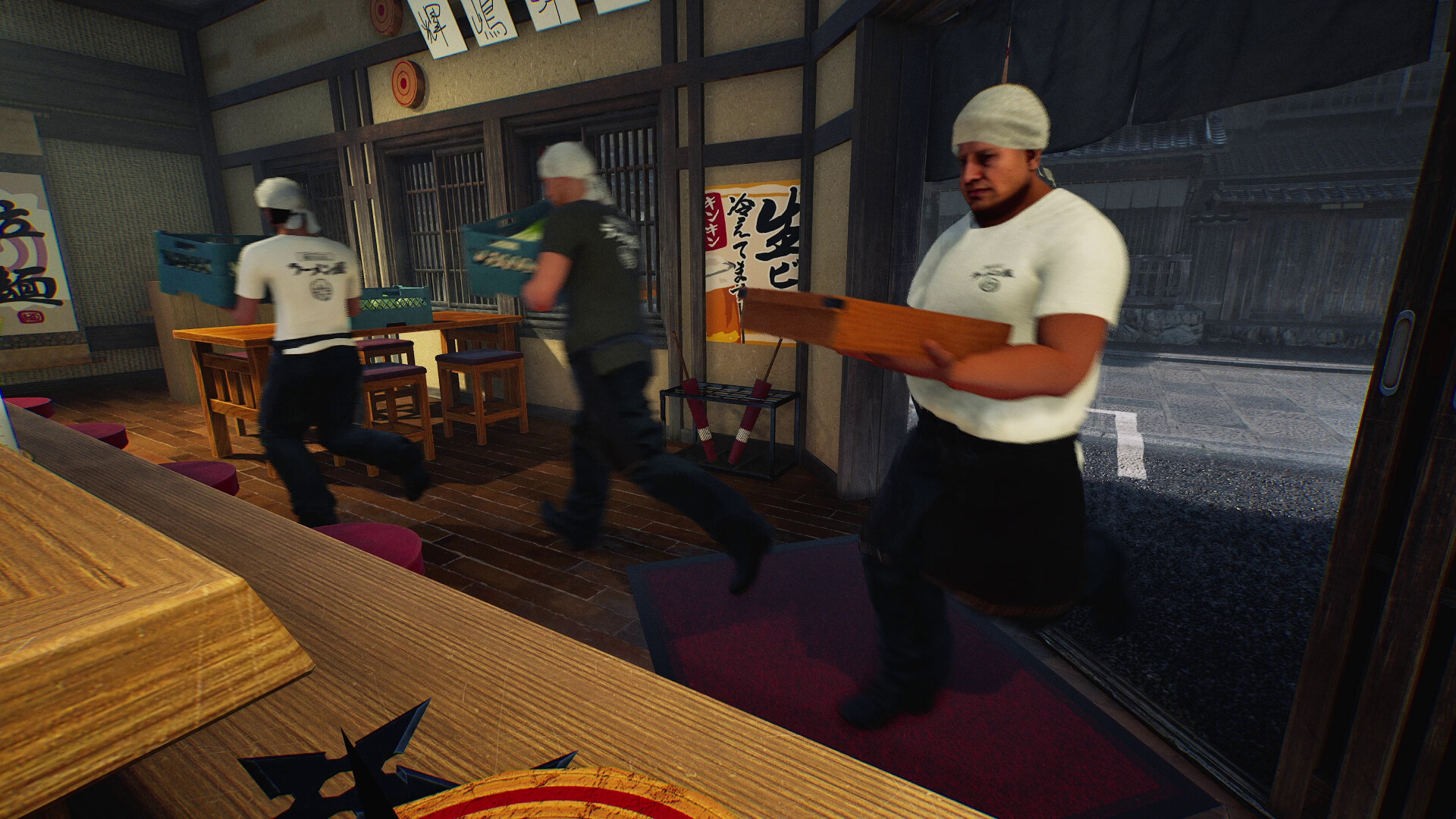
A practical joining sequence is:
- Have everyone install the available Steam update. This guide covers v0.1.48.17626.
- Agree which friend will start the session and remain available while others join.
- Share the code shown by that session with the group.
- Use the game’s code-based joining flow. Compare the entered code with the one currently displayed.
- Confirm that every participant has reached the intended shop before starting service.
If the room search or join fails, use the connection-error checklist instead of repeatedly changing unrelated settings.
Is the player limit six or ten?
The current Steam description advertises co-op for up to six players. Wild Dog’s October 9 launch release has conflicting wording: its heading says up to ten, recommends six, and its body says up to six. The larger capacity has not been independently tested for this guide.
| Source checked on October 10 | Stated capacity |
|---|---|
| Steam store description | Up to six |
| Official launch-release heading | Up to ten; six recommended |
| Body of the same launch release | Up to six |
Plan a six-person group until your installed game’s room interface confirms a larger capacity. Do not treat the headline alone as a promise that ten friends can join successfully.
Can you join a public lobby with strangers?
An invitation-code session is confirmed, but a public matchmaking browser has not been verified. A launch-day player discussion describes disappointment after expecting random-player lobbies. That report establishes a player’s experience, not a complete inventory of every lobby option or a developer statement that public rooms can never exist.
Arrange your group first, then use the session’s joining method. Steam and the developer’s official community links are starting points for finding other players. Keep the room-code approach separate from any assumption about automatic matchmaking, cross-platform play or a dedicated-server browser.
What should your group check before opening?
Before taking orders, check that everyone is present, can hear the intended conversation and knows their first job. These are coordination suggestions for a smoother opening, rather than extra requirements imposed by the game. They prevent a successful connection from turning into a confused first service.
- Compare PCs against the system requirements and compatibility notes.
- Test speech while standing together. The official store confirms spatial voice chat: distance and walls affect how voices sound.
- Review mute and push-to-talk settings. The Day 1 patch says these settings apply immediately after joining.
- Assign preparation, cooking, service and cleanup using the co-op workflow table.
Decide who will handle an unexpected interruption while the rest continue serving. Avoid having every player abandon the same order at once.
Does joining a friend carry over your own progress?
Steam lists Steam Cloud and saving support, but those features do not establish how a guest’s progress carries over, who owns a shared restaurant save or what happens when the session creator leaves. Those behaviors have not been tested here. Agree on continuity before committing to a long group session.
Use the save-data and backup guide to distinguish confirmed storage information from untested restoration or guest-progress assumptions. A short session followed by a deliberate save-and-rejoin check is a sensible group test; it is not evidence that every account receives an independent copy of the restaurant.
Version check: The official multiplayer descriptions and October 9 patch above were reviewed on October 10, 2026. Menu navigation, public matchmaking and guest-progress behavior remain unverified.
Related game screenshots
Related Articles
multiplayer
Japanese Ramen Simulator: Co-op Roles, Voice Chat & Kitchen Workflow
Assign practical kitchen roles and organize spatial voice chat, mute and push-to-talk settings for a calmer multiplayer ramen shift.
multiplayer
Japanese Ramen Simulator: Connection Timeout & Co-op Troubleshooting
Work through connection timeouts and invite failures, check VPN and firewall permissions, and collect useful details for a bug report.
Was this helpful?
Thanks for the feedback!